> For the complete documentation index, see [llms.txt](https://www.macsetup.xyz/llms.txt). Markdown versions of documentation pages are available by appending `.md` to page URLs; this page is available as [Markdown](https://www.macsetup.xyz/dev-environment/packages.md).
# Terminal Packages
Below are some interesting packages I have stumbled on. Installing these is purely optional.
## zoxide
[zoxide](https://zoxide.org/) is a modern tool that lets you jump to folders instantly based on your history (a smarter cd). It remembers where you go and lets you jump there with a short keyword.
#### How is it helpful?
Instead of typing this:
```zsh
cd ~/projects/arcanestudios/commerce-mobile/app
```
You just type:
```zsh
z commerce
```
👉 and you’re there instantly
To install:
```zsh
brew install zoxide
```
Then add this to your `.zshrc` file:
```zsh
eval "$(zoxide init zsh)"
```
## yt-dlp
[yt-dlp](chatgpt://generic-entity?number=0) is a command-line tool that lets you download videos and audio from YouTube and many other websites. Aa better, faster version of the original `youtube-dl`
To install:
```zsh
brew install yt-dlp
```
To download a video:
```zsh
yt-dlp [youtube video link here]
```
## btop
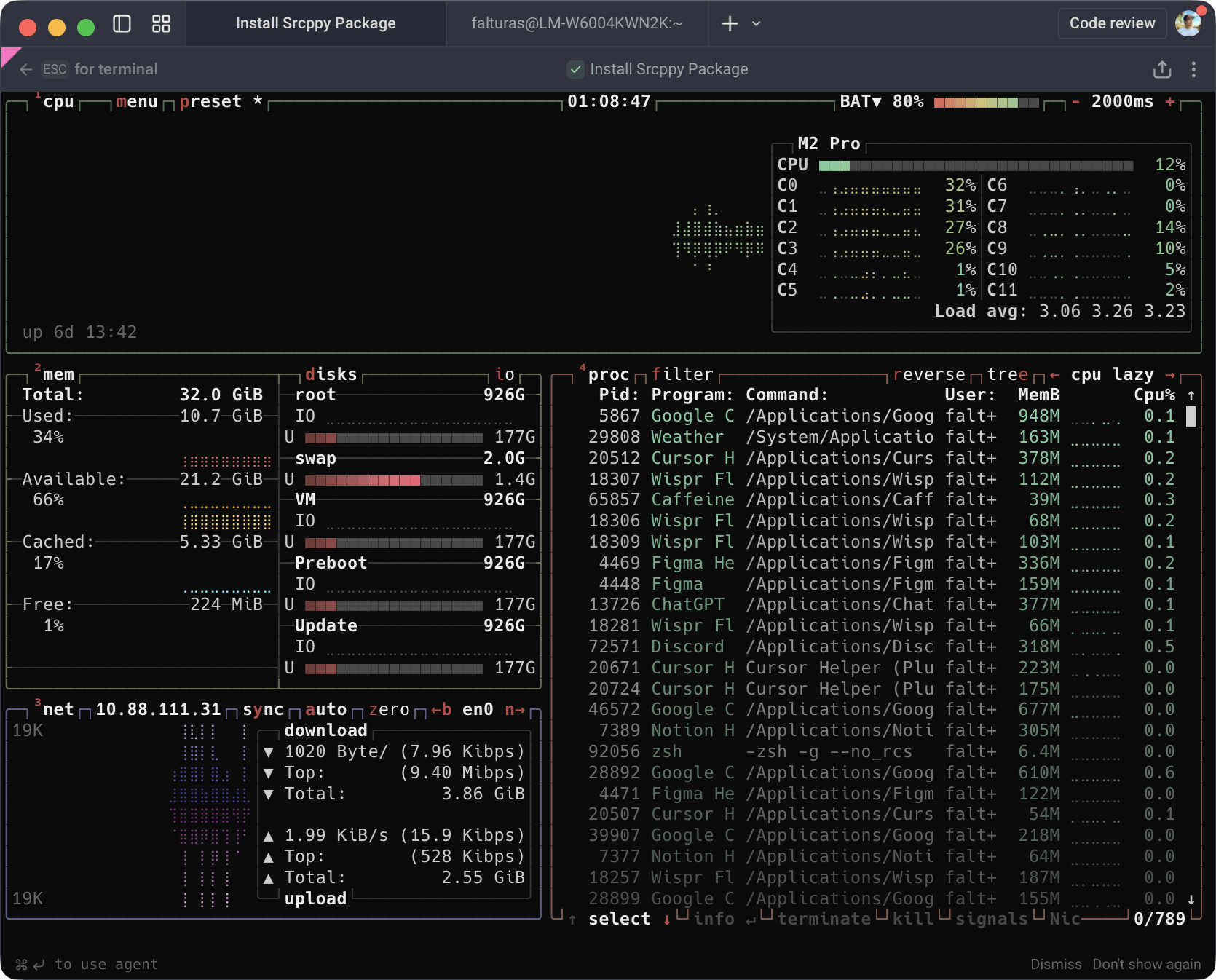
btop is a beautiful, real-time system monitor for your terminal that shows what your computer is doing.
To install:
```zsh
brew install btop
```
then run:
```zsh
btop
```
## fastfetch
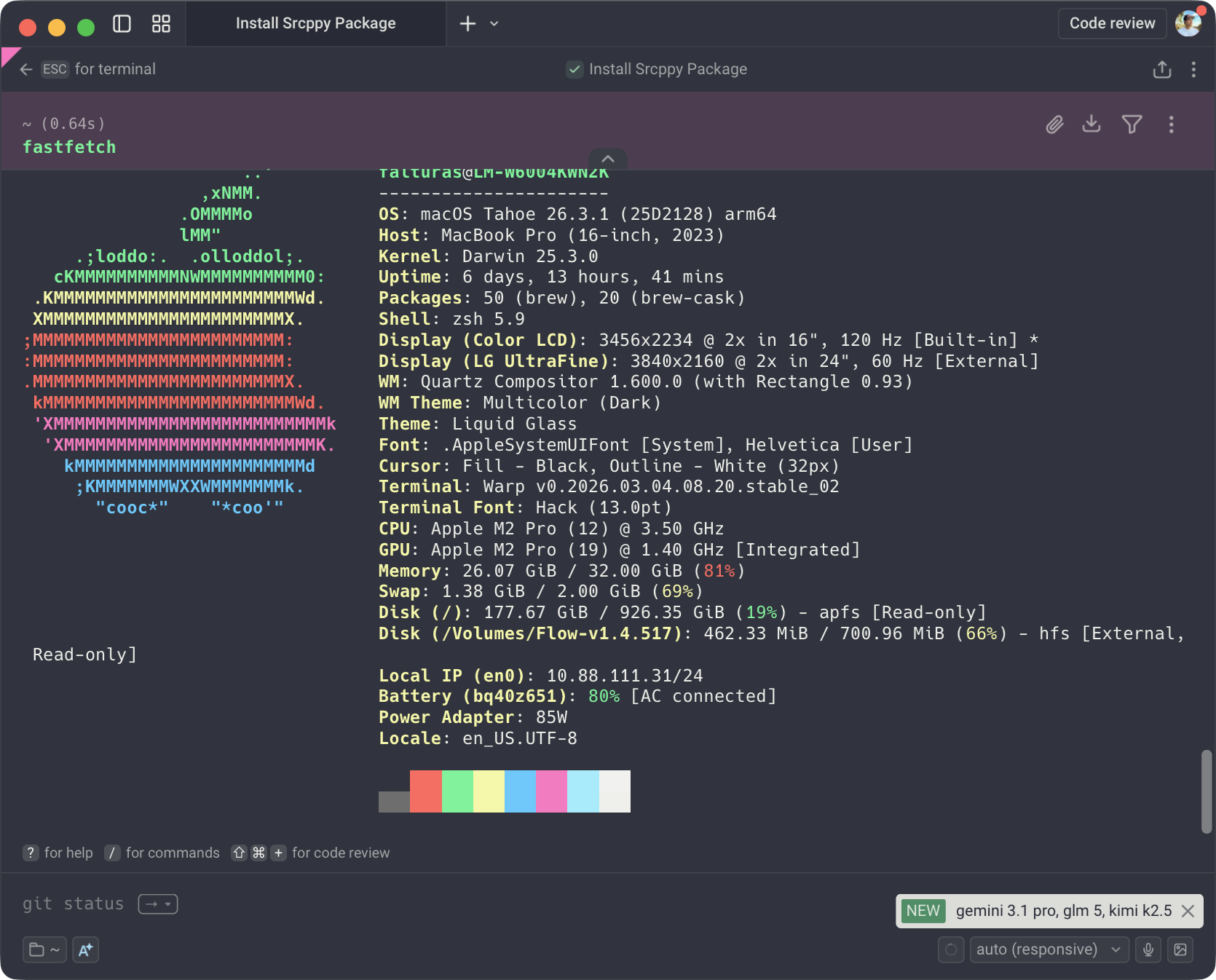
fastfetch is a modern terminal tool that shows your system info (CPU, RAM, OS, etc.) in a clean, stylish layout — very fast.
To install:
```
brew install fastfetch
```
Optionally, you can add this to your `.zshrc` file so it auto-runs on terminal open:
```
fastfetch
```